- Jupyter Notebook 95.8%
- Python 4.1%
- Shell 0.1%
| .forgejo/workflows | ||
| .vscode | ||
| notebooks | ||
| photos | ||
| src | ||
| .env.example | ||
| .gitignore | ||
| lint.sh | ||
| pyproject.toml | ||
| README.md | ||
| sync.sh | ||
| uv.lock | ||

Frame
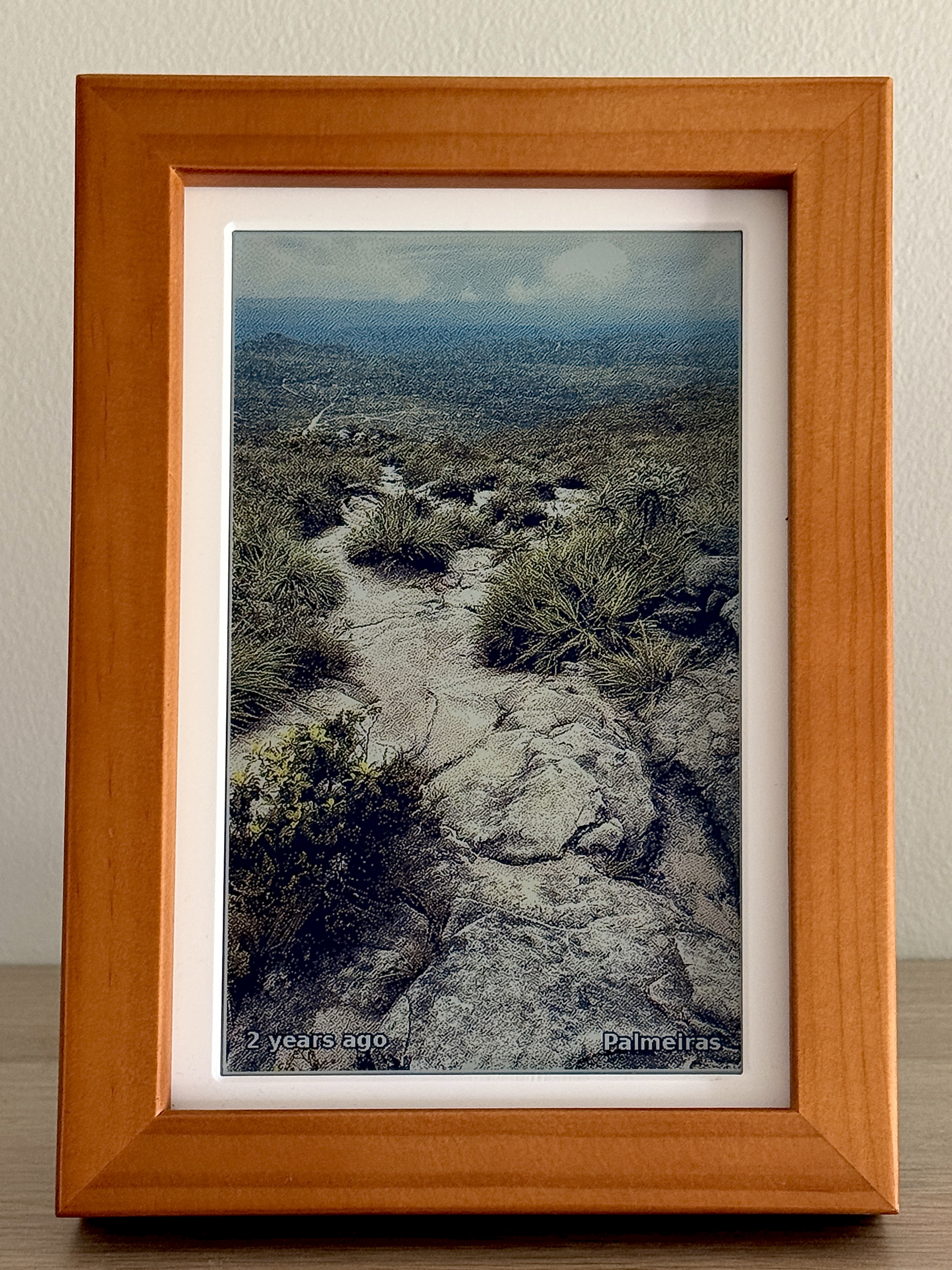
A small e-ink photo frame for our home. It pulls from my Immichlibrary, checks Home Assistant to see ifanyone is home (to preserve battery & life span), and shows a photo on the PhotoPainter (Waveshare 7.3" 6-colour panel hooked upto a Raspberry Pi Zero 2W).
Why
Most digital frames either require you to pick and preprocess photos that you put on an SD card or they want to talk to a cloud service like Google Photos. Realistically, you're not going to update the photos more than once a year on the SD card. As for cloud providers, I'd rather not give them access to my cherised memories or let them be held hostage.
Everything here runs on my LAN: photos come from my own Immich, presencecomes from my own Home Assistant, and the Pi just polls them on a cron. It wasa fun afternoon project with Claude Code, a bit of experimenting with different diterhing and post-processing, and then fine tuning the photo picking algorithm.
It's magical to come home from a day out to immediatly see photos take from the day, or see memories from years ago pop-up within the living space, unconfined by an app on your phone.
I share this code here to provide inspiration for the emergence of
Honestly, the Pi Zero 2W is overkill for this. It chews through battery if youtry to run untethered, and most of the time it's just sitting idle waiting forthe next cron tick. If I were doing this again for a battery-powered build I'dprobably reach for an ESP32 with deep sleep. Mine stays plugged in, so I haven'tbothered.
How it works
src/display.py runs every 15 minutes from cron. Each run:
- Quits if it's between midnight and 7am.2. Asks Home Assistant whether anyone in
HA_PRESENCEis home. If not, quits.3. Picks a random photo from Immich, weighted toward "on this day" memories, favourites, and recent uploads (seesrc/lib/immich.py).4. Crops around any detected faces, dithers down to the 6-colour palette, and pushes it to the panel.
Setup
Copy .env.example to .env and fill it in:
| Variable | Purpose || ---------------- | ------------------------------------------------------------------ || IMMICH_URL | Base URL of your Immich server || IMMICH_API_KEY | Immich API key (Account Settings, API Keys) || HA_URL | Base URL of your Home Assistant instance || HA_TOKEN | Home Assistant long-lived access token || HA_PRESENCE | Label=entity_id,.... Any of these being home triggers a render || IMMICH_PEOPLE | Default people for --people (must match Immich person names) || SYNC_TARGET | rsync target for ./sync.sh, e.g. pi@192.168.0.81:~/frame/ |
.env is gitignored. The Pi keeps its own copy under ~/frame/.env, andsync.sh excludes it so deploys don't clobber it.
Usage
shpython3 src/display.py # uses IMMICH_PEOPLEpython3 src/display.py --album "Holiday 2025"python3 src/display.py --people "Alice,Bob"python3 src/display.py -o 90 # portraitpython3 src/display.py --saturation 1.5 --contrast 1.1 --gamma 0.85
display.py only runs on the Pi (it needs SPI). For off-device experimentssee the notebooks below.
Notebooks
Iterating on the crop and dither pipelines on the Pi is painfully slow (eachcycle is a 12 second refresh), so I do that work in Jupyter against a smalllocal photo pool. Run them with:
shuv run jupyter lab notebooks/
notebooks/crop_compare.ipynb: face-aware crop vs. plain centre crop, side-by-side on the photos where they disagree the most. This is what I used to tuneface_aware_cropinsrc/lib/crop.py.-notebooks/dither_compare.ipynb: a handful of error-diffusion and ordered-dithering algorithms against the 6-colour ACeP palette, with timing. Atkinson dithering won on a quality vs. speed trade-off, which is whatsrc/lib/waveshare_epd/epd7in3e.pyships.
By default both notebooks read from the small CC-licensed photo set underphotos/ (see photos/CREDITS.md forattribution). Hand-annotated face boxes for the three portraits in that setlive in photos/faces.json so the crop notebook works without any facedetector. To run the notebooks against your own Immich library instead, setFRAME_USE_IMMICH=1 in your environment (.env works) before launchingJupyter.
The notebooks share _helpers.py (bootstrap, pool loading, image I/O) and_dither.py (dither implementations).
Pi setup
sudo apt update && sudo apt upgradesudo apt install -y python3-pip python3-pil python3-smbus python3-numbasudo swapoff -asudo systemctl mask swap.targetsudo systemctl disable --now bluetooth

# Optional but helps a lot on the Zero 2Wsudo nmcli c modify <your-connection> 802-11-wireless.powersave 2```

Reduce SD card writes by setting `Storage=volatile` in`/etc/systemd/journald.conf`.

### Cron

```shsudo crontab -e```

```@reboot /usr/sbin/iw wlan0 set power_save off*/5 * * * * /home/<user>/frame/wifi-check.sh >> /home/<user>/wifi.log 2>&1```

```shcrontab -e```

```*/15 * * * * cd ~/frame && python3 display.py -o 90 >> ~/frame.log 2>&1```

## Deploying

From the dev machine, with `SYNC_TARGET` set:

```sh./sync.sh```

That rsyncs `src/` over and leaves the Pi's `.env` alone.

## Hardware notes

The driver in `src/lib/waveshare_epd/` is adapted from Waveshare's[PhotoPainter](https://www.waveshare.com/wiki/PhotoPainter) project. That wikipage has the wiring, init sequence, and 6-colour palette docs.

A few things that bit me:

- The PWR pin is BCM 27, not the default 18. See `src/lib/waveshare_epd/epdconfig.py`.- A full refresh takes 12 to 15 seconds. The driver polls the BUSY pin.- Always call `epd.sleep()` (the code does this in a `try/finally`). Leaving  the panel awake shortens its life.- `/tmp/frame.lock` keeps overlapping cron runs from grabbing the GPIO at the  same time.